How to convert CR2 to JPG
Updated
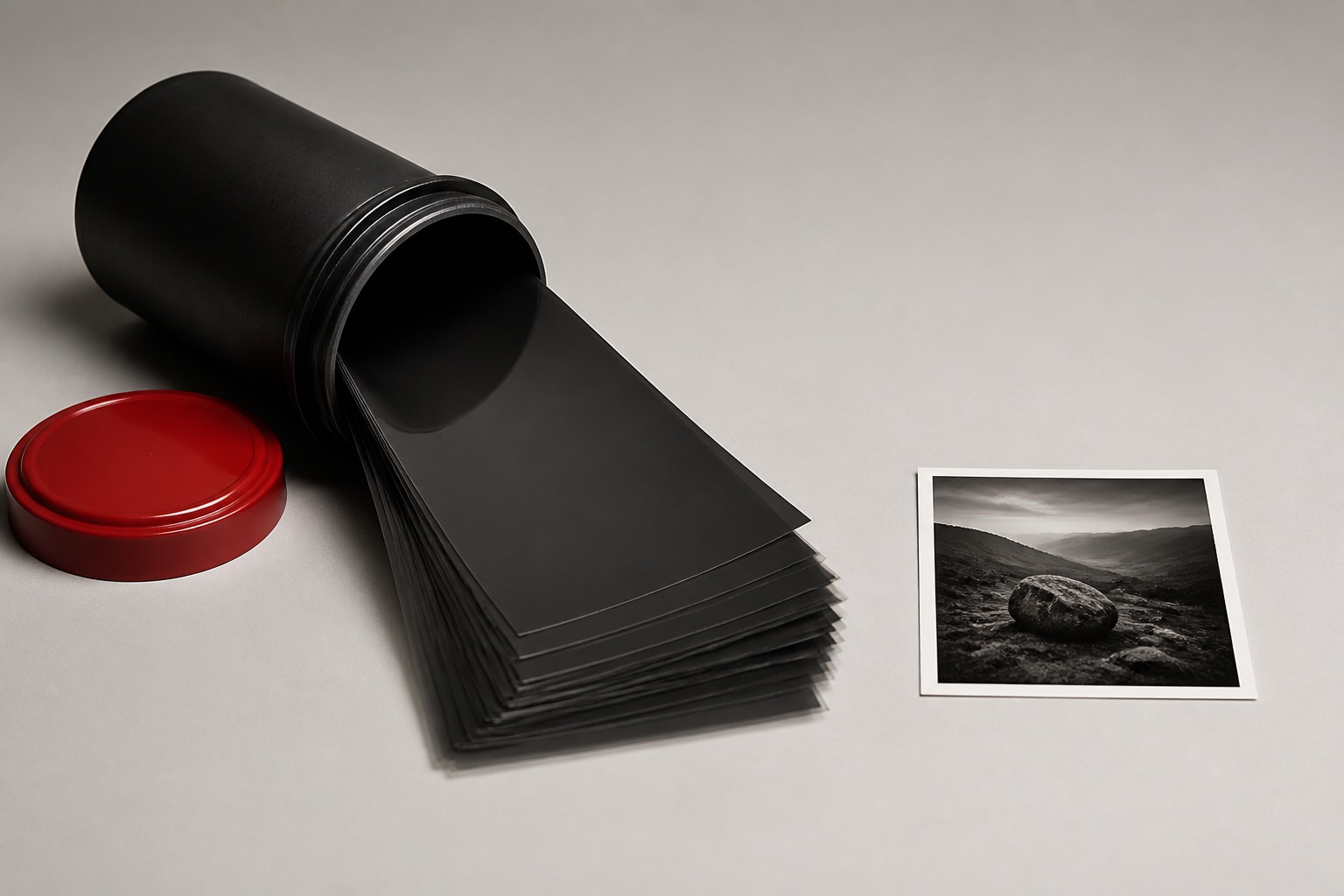
To convert CR2 to JPG, the RAW file must be developed — decoded from sensor data into a finished image — then encoded as JPEG. Drop your CR2 files into the EditItAll converter: it develops them right on your device, you pick a quality level, and the JPGs download. Nothing is ever uploaded.
Do it now — free, in your browser
Convert CR2 to JPGWhat a CR2 file actually is — and why nothing opens it
A .cr2 file is Canon RAW, version 2 — what older Canon DSLRs (the 5D Mark series, the Rebel line, most EOS bodies made before about 2018) write when you shoot RAW. It isn't a finished picture. It's the unprocessed readout of the camera's sensor: 12- or 14-bit data per pixel where a JPG stores 8, which is why a single CR2 often weighs 25–30 MB.
That is also why almost nothing opens it. Turning sensor data into an image takes a develop step that only photo software with a RAW engine can do — so messaging apps, upload forms, older viewers and most websites simply reject the file. Converting to JPG runs that develop once and saves the result in the one format everything accepts. There's a fuller breakdown on the CR2 format page.
Convert CR2 to JPG step by step
The EditItAll CR2 to JPG converter develops the RAW file with a native-speed RAW engine and re-encodes it as a JPEG, all on your own machine:
- Open the converter and drop in your
.cr2files — one photo or a whole card's worth. Batches are processed together. - Each file is developed right on your device: decoded from raw sensor data into a full-color image, with standard automatic settings.
- Pick a quality level for the JPEG. High quality preserves the detail of the develop; lower quality trades fine detail for smaller files.
- Download. A single photo saves as a
.jpg; a batch comes down as one ZIP.
Because everything runs in your browser, nothing is uploaded — you can cut the internet connection after the page loads and keep converting, which matters when each RAW file is 25 MB and there are two hundred of them. It's free, with no account and no watermark. If you'd rather have a lossless copy, the CR2 to PNG converter runs the same develop but saves PNG.
Quality and latitude: what the JPG keeps, what it gives up
Two honest caveats before you convert. First, the develop step here is automatic: the engine uses standard settings for white balance, tone and color. There are no exposure or white-balance sliders — this is a converter, not a full RAW editor. If a shot needs tonal work, convert it first, then open the JPG in the photo editor and adjust levels and curves there.
Second, JPG is lossy and it bakes the development in. The CR2 keeps everything the sensor saw — the latitude to pull detail out of blown skies or dark shadows years from now. The JPG keeps only the finished 8-bit picture. So treat the JPG as the share copy and the CR2 as the negative: convert freely, but don't delete the originals. If the JPGs need to be smaller still for email or an upload form, run them through the JPG compressor afterwards.
CR2, CR3 and other brands' RAW files
Canon replaced CR2 with CR3 around 2018 — the EOS R series, the M50 and newer bodies all write CR3. This converter reads CR2 only; CR3 is not supported. If your camera is a recent Canon, export JPEGs in-camera or with Canon's own software for now.
Shooting another brand? The same on-device develop exists for other RAW formats: NEF to JPG for Nikon, ARW to JPG for Sony, and DNG to JPG for Adobe's universal RAW container. For the general picture of how RAW-to-JPG conversion works in a browser — any brand — see the guide to converting RAW to JPG in the browser.
Frequently asked questions
Are my CR2 files uploaded to convert them?+
No. The converter runs entirely in your browser, so the RAW files never leave your device — which matters double for RAW, since nobody wants to push a folder of 25 MB files up a home connection. You can go offline after the page loads and it still works.
Can I adjust exposure or white balance during the conversion?+
No. The develop step is automatic, with standard settings. For tonal tweaks, convert first and then adjust levels and curves on the JPG in the photo editor. For real RAW latitude — recovering highlights, re-setting white balance — you need dedicated RAW software working on the original CR2.
Does it support CR3 files from newer Canon cameras?+
Not yet. This tool reads CR2, the format of older Canon DSLRs. CR3 files from the EOS R series and other recent bodies are not supported.
Should I delete the CR2 files once I have JPGs?+
Keep them. The JPG bakes in one particular development and discards the rest of the sensor data. The CR2 is your negative — the only copy you can re-develop differently later.
Why is the JPG so much smaller than the CR2?+
A CR2 stores 12- or 14-bit unprocessed sensor data; a JPG stores a finished 8-bit image with lossy compression. Dropping from 25–30 MB to a few MB is normal, and at high quality the JPG looks identical for sharing.