Free · Private · No upload
Spreadsheet editing, free in your browser
Formulas, ranges and instant recalculation — a spreadsheet that runs entirely on your device. No upload, no account, no watermark.
No upload
Files are processed on your device
No sign-up
No accounts, no email, no paywall
No limits
Any file size, any batch size
Metadata stripped
EXIF & GPS removed on export
EditItAll’s spreadsheet editor is a free, browser-based tool for formulas and data. It supports SUM, AVERAGE, COUNT, IF, MIN/MAX, ROUND and range functions with instant recalculation, plus CSV, TSV, XLSX and ODS import and CSV/XLSX export — all processed locally on your device, with no upload, account or sign-up.
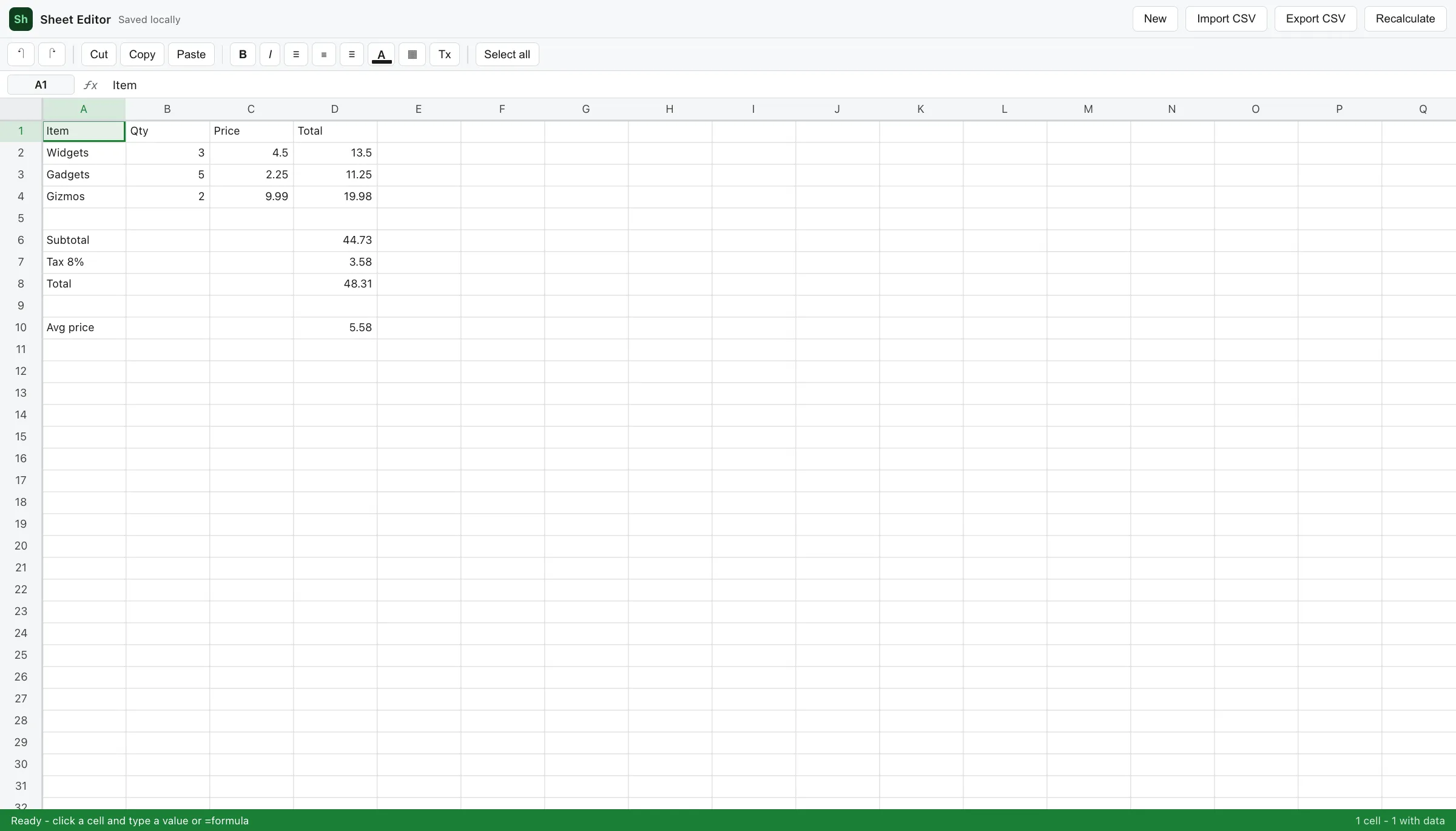
Everything you need, nothing to install
How it works
The editor is a full application compiled to run in your browser. When you open it, your browser downloads the editor and its processing core once, caches them, and from then on every operation — opening files, editing, exporting — happens on your own device. Nothing you work on is uploaded, which is also why there are no accounts, queues or file-size pricing tiers.
Frequently asked questions
Is the spreadsheet editor free?+
Yes — completely free, with no account, sign-up, watermark or usage limits. Open it and start typing.
Are my spreadsheets uploaded to a server?+
No. Everything runs locally in your browser — formulas recalculate on your device and nothing you enter is transmitted anywhere.
Can it open Excel (.xlsx) files?+
Yes. It opens .xlsx and .ods on your device, and still imports CSV/TSV. Legacy .xls (Excel 97–2003) is not supported — save as .xlsx first. Macros in .xlsm are dropped. The grid is 64 columns by 1,000 rows; larger sheets are truncated with a status message.
Which formulas are supported?+
SUM, AVERAGE, COUNT, IF, MIN, MAX, ROUND, POWER, SQRT, AND/OR/NOT and range functions, all recalculating instantly. CSV export saves the computed values.
Which browsers are supported?+
Any modern desktop browser: Chrome, Edge, Firefox, Safari and other Chromium-based browsers.