Free · Private · No upload
Presentations, free in your browser
Design slides with shapes, text boxes and snap-align guides, then present — running entirely on your device. No upload, no account.
No upload
Files are processed on your device
No sign-up
No accounts, no email, no paywall
No limits
Any file size, any batch size
Metadata stripped
EXIF & GPS removed on export
EditItAll’s presentation maker is a free, browser-based tool for building slide decks. Add shapes and text boxes, arrange them with snap-align guides and layouts, reorder and duplicate slides, then run a full-screen present mode. It opens and exports PPTX as well as PNG images — all locally, with no upload or sign-up.
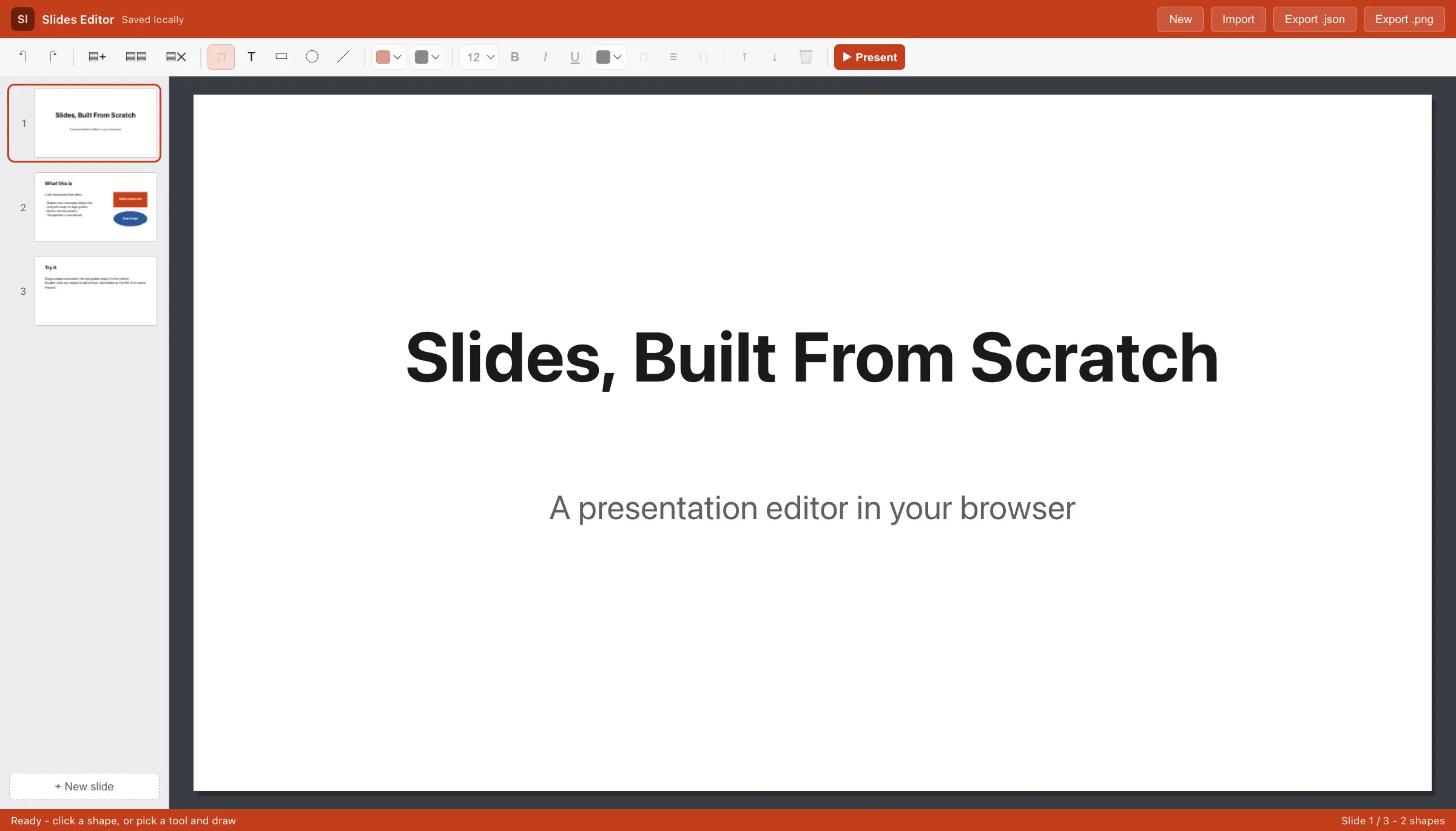
Everything you need, nothing to install
How it works
The editor is a full application compiled to run in your browser. When you open it, your browser downloads the editor and its processing core once, caches them, and from then on every operation — opening files, editing, exporting — happens on your own device. Nothing you work on is uploaded, which is also why there are no accounts, queues or file-size pricing tiers.
Frequently asked questions
Is the presentation maker free?+
Yes — free, with no account, sign-up, watermark or usage limits.
Are my slides uploaded to a server?+
No. Slides are built and rendered locally in your browser; nothing you create is transmitted anywhere.
Can it open PowerPoint (.pptx) files?+
Yes. It opens .pptx locally (text boxes, rectangles, ellipses, lines and fills) and can export .pptx as well as PNG images and its own JSON deck. Animations and speaker notes are not imported. OpenDocument .odp is not supported yet.
Can I present full-screen?+
Yes — a full-screen present mode steps through your slides.
Which browsers are supported?+
Any modern desktop browser: Chrome, Edge, Firefox, Safari and other Chromium-based browsers.